Every AI for video, images and clips in one place, priced in reais.
Character swap · right from your phone
Put someone else into any video.
Paste a YouTube link, pick the part you want, and use a ready avatar or make your own from one photo. The video comes back with the same moves and the original audio.
- 1Paste the YouTube link
- 2Pick the part
- 3Use an avatar, or make one from a photo
- 4Done
Get started
Priced per second of the part: 10 credits (≈ R$ 0.67). You see the total before you generate.
AI-generated
Before
After
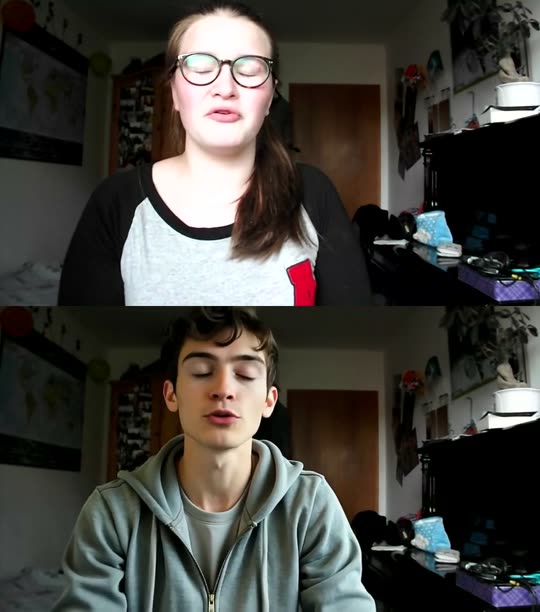

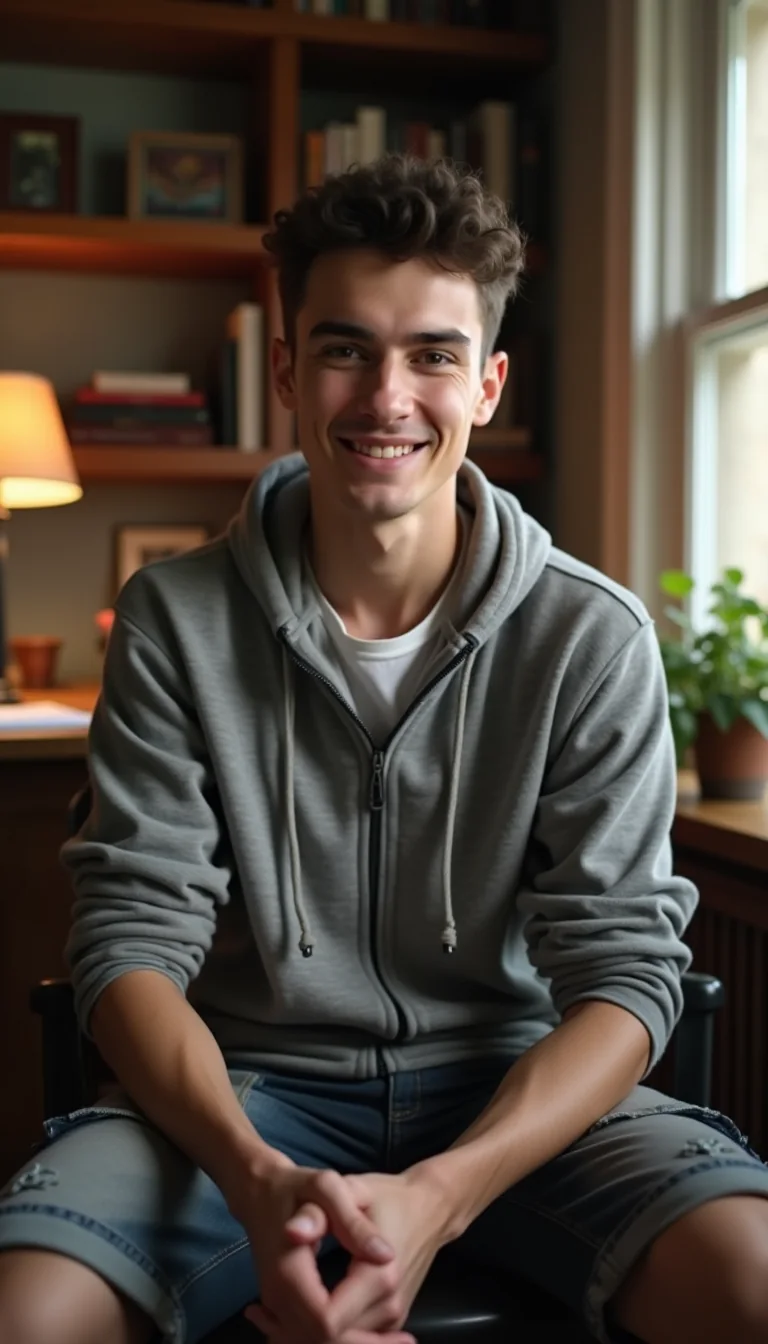

Character swap
Four taps from a link to a finished video.
All in your phone's browser. Nothing to install, nothing to edit.
1
Paste the link
Any YouTube video you have the right to use, or a file from your phone.
youtube.com/watch?v=…
2
Pick the part
Drag to the part you want. You pay only for the seconds you pick.
0:410:53
3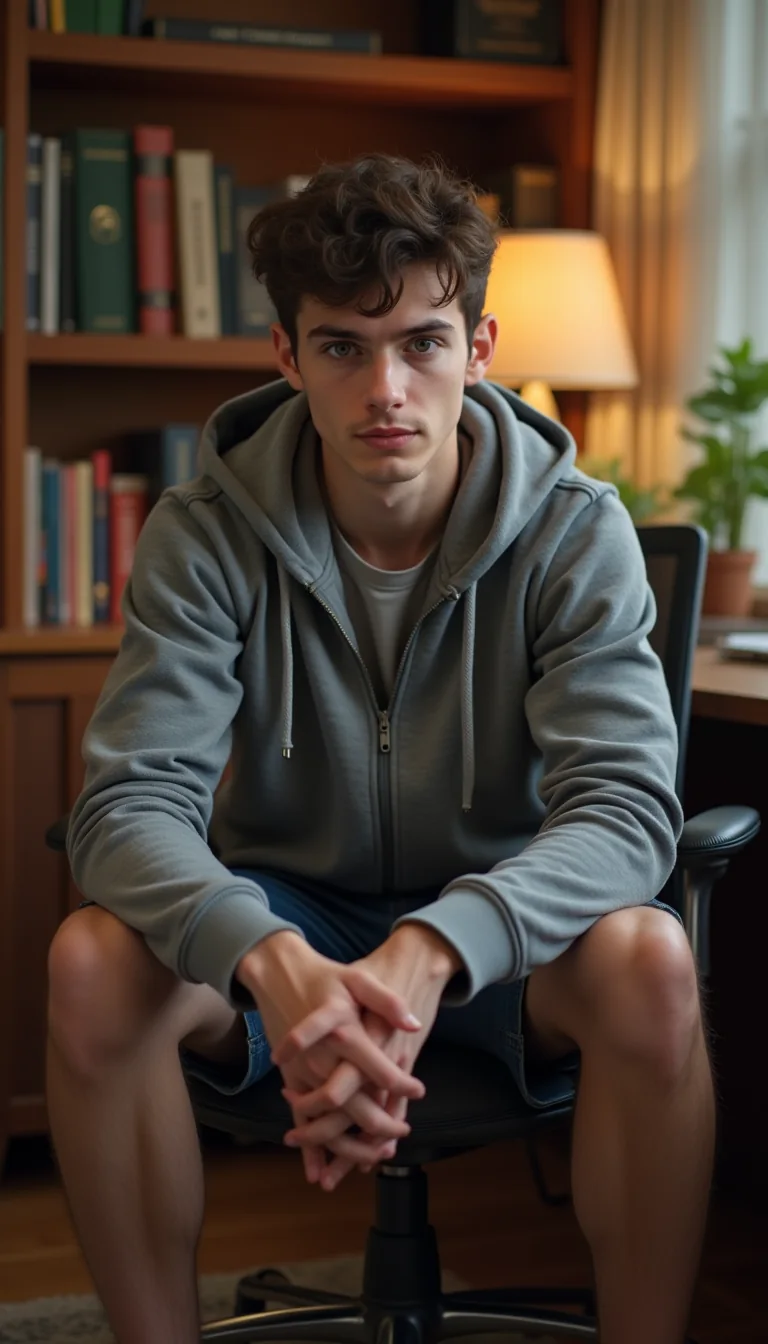
 your photo
Choose who goes in
A ready idobetter avatar, or your own, made from one photo.
your photo4
Done
Same moves, same framing, the original audio back. Download it or post it.
✓Your video is ready
Only people who may: idobetter avatars, your own, or someone who gave consent. Public figures are not accepted.
You confirm you have the right to use the source video, and the result is marked as AI-generated.
AI-generated
Before
After
AI video
18 video models side by side, priced in reais.
Choose by the result, not the name. We asked every model for the same scene — a golden retriever running on a beach at sunset — and show what each one delivered, untouched. Tap a row to watch.
AI-generated
idb MotionEconomyno sample yetyes3 imagesstart image5–10 s7cr/sR$ 2.33
Price of 5 s at the cheapest resolution, no sound surcharge, at R$ 0.0666 per credit (Creator plan). The app shows the exact total before you generate.
Ends where you want
Send a start photo and an end photo. The model makes the path between them.
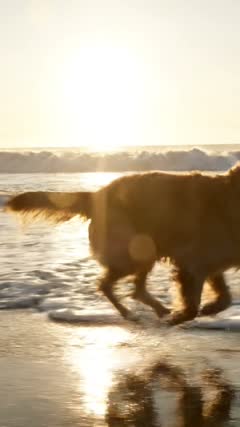 start
 end
AIvideo
Copies the motion of a video
Send a reference clip and describe the new scene. The motion comes from the clip, the rest from your prompt.
reference
AIresult
AI images
Make a character from one photo. Then put it in any scene.
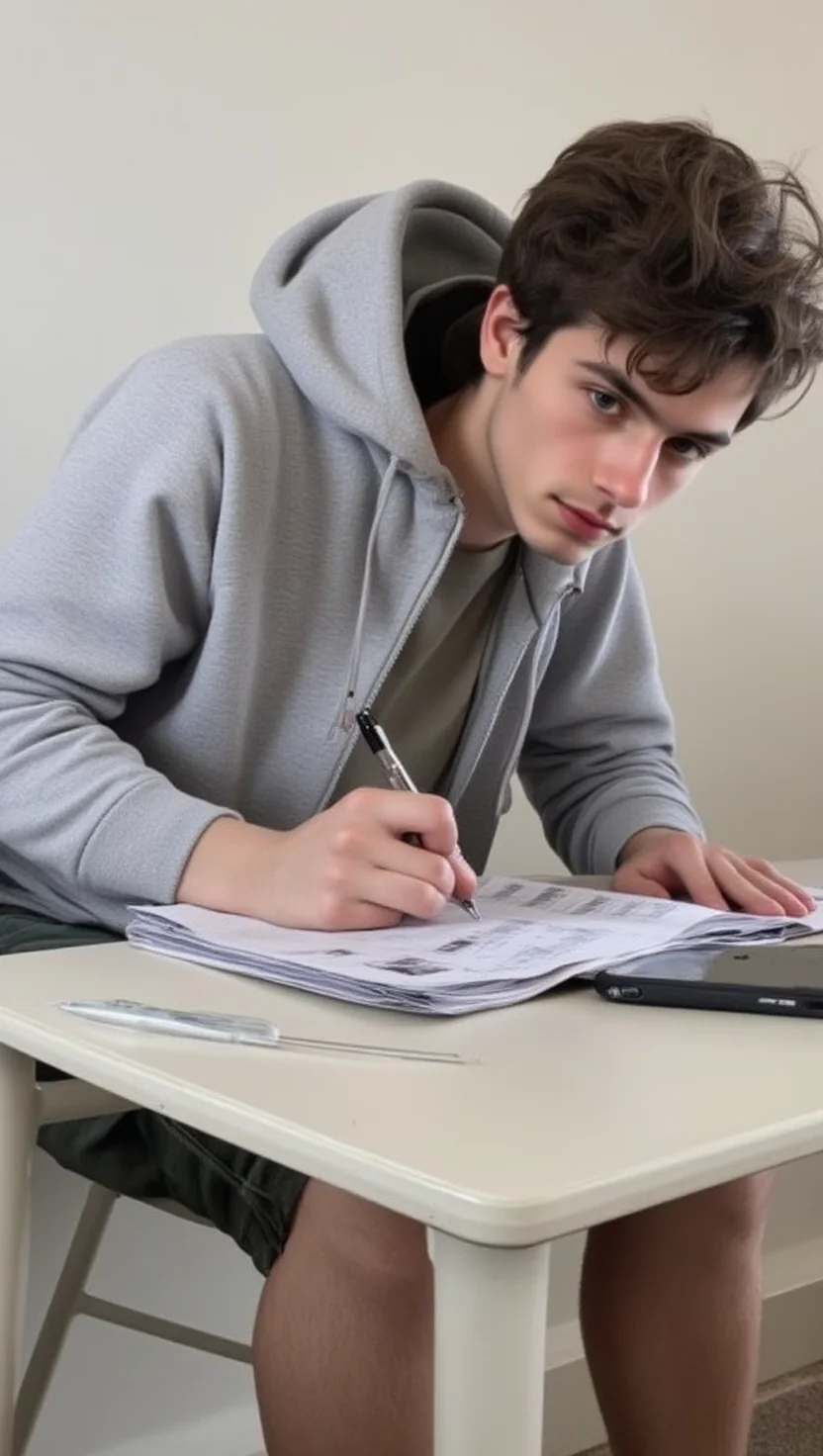
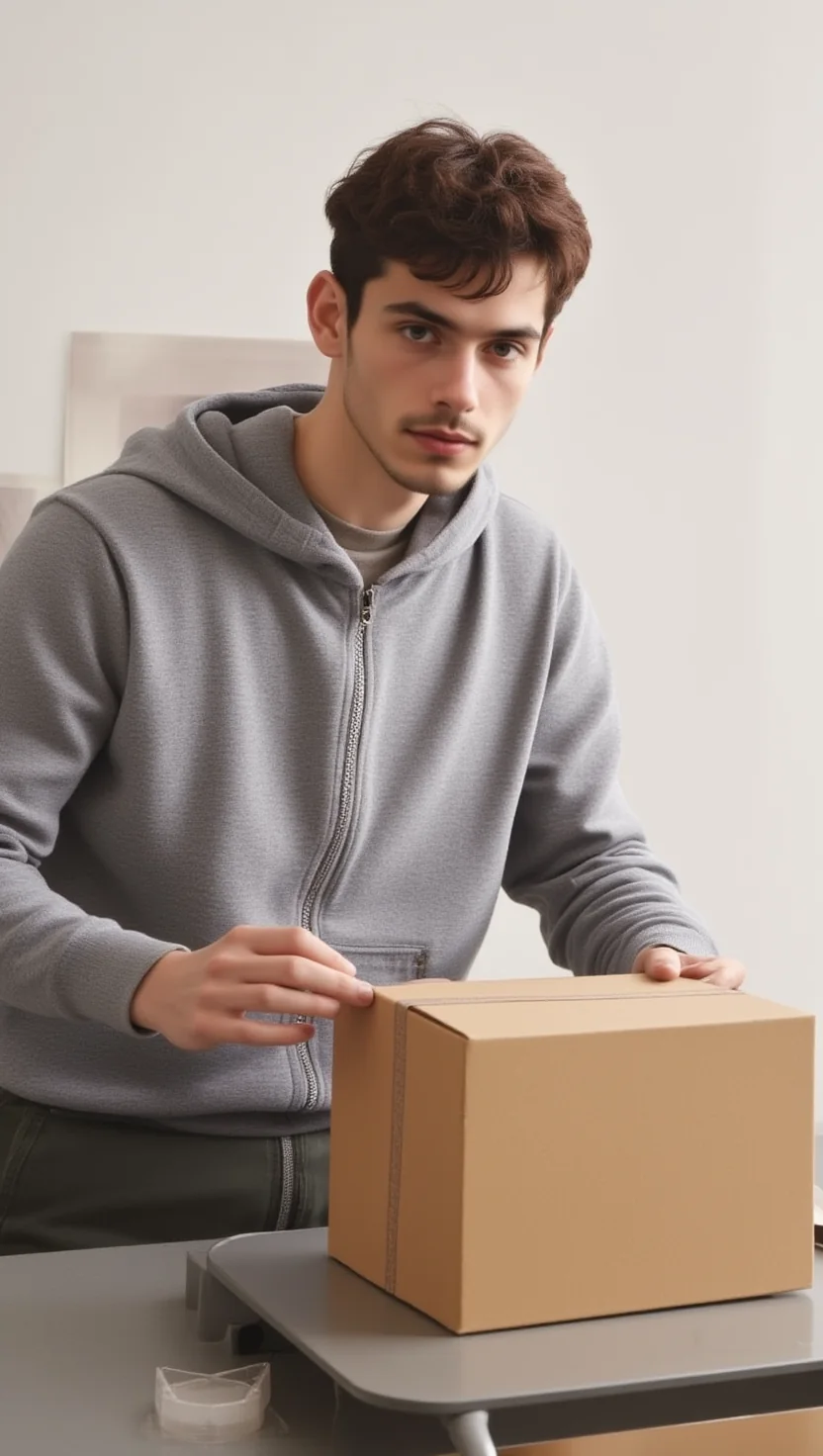
The same face in every photo, ready to become your avatar in a character swap or the start of a video. These are photos of an idobetter avatar.

Clips
Got a long video? Out come clips ready to post.
It watches the whole video, finds the moments worth a post, then frames and captions them in 9:16. Below, a real episode and the clips that came out of it, untouched.
Source · YouTube
jumps here in the source
highlights found · tap one
857565estimated virality
0:00
Result · 9:16
This moment plays in the source video.
Score ranks them. You pick which go out.
Plans
Credits in reais that work for everything.
Character swap, AI video, images and clips draw from one balance. No subscription: you pay once and the plan lasts for its period.
Creator
R$ 59,90R$ 646,90for 30 daysfor 12 months
- 90010.800 credits
- 2 projects at a time
- Long videos up to 3 h
- AI video and character swap
Pro
Most pickedR$ 99,90R$ 1.078,90for 30 daysfor 12 months
- 1.50018.000 credits
- 3 projects at a time
- Long videos up to 4 h
- Series and narrated videos
Just trying it? Top up.
R$ 2,9020 credits
R$ 9,90100 credits
R$ 17,90200 credits
Pay in reais, by card.
Questions
What people ask before they start.
Do I need to install anything?
No. idobetter runs in your phone's or computer's browser. You sign in with your Google account.
How much does each video cost?
Every generation shows its price in credits and in reais before you confirm. Character swap and AI video are priced per second of video.
Can I put anyone's face in?
No. Only idobetter avatars, your own, or someone who gave consent. Public figures are not accepted.
Do credits work for everything?
Yes. Character swap, AI video, images and clips all draw from the same balance.
Is it a subscription?
No. You pay once and the plan lasts 30 days or 12 months. Nothing is charged again unless you ask.
Does it work with Portuguese video?
Yes. Clips understand Portuguese and English, and the app ships in both languages.
Start with the video you already have.
Paste a link, pick the part and see the result.